What Gets Protected and What Doesn't with Best Secure Notes Apps for iPhone and Android
When searching for the best secure notes app, it's crucial to understand the difference between app-level password protection and true encryption.
A basic safe notes app might just put a PIN screen in front of your text. While this stops casual snooping from friends or kids, the actual text files remain unencrypted on your phone's storage. If someone connects your phone to a computer or uses extraction software, your "secure notes" are instantly visible.
True encrypted notes apps utilize zero-knowledge encryption (usually AES-256 bit). This means the text is scrambled at a mathematical level. Even if someone physically steals your device or hacks your cloud backup, the notes remain unreadable without your master password.
How are you currently securing your notes?
Select your current method to see its actual security rating.
Anyone who unlocks your phone can read everything. Cloud backups are often unencrypted by default, exposing notes to data breaches.
Good for stopping casual snoops. However, native note locks often don't encrypt the database file itself, making it vulnerable to advanced extraction or linked-device syncing exploits.
Google Keep and standard Evernote lack end-to-end encryption. Employees or hackers breaching the server can theoretically access plaintext notes.
Zero-knowledge AES-256 encryption ensures your data is scrambled. No one—not even the app developers or OS manufacturers—can read your notes without your master PIN.
Best Mobile Privacy Settings You Should Enable Now
Before relying on third-party software, you should optimize your device's baseline security. Lock apps on phone settings have evolved, but fragmentation between Android and iPhone means different paths to secure notes.
How to Lock Notes on iPhone
Apple allows you to lock specific notes within the native Notes app using your device passcode or Face ID. This is a solid baseline secure notes app iphone approach.
- Open the Apple Notes app.
- Tap and hold the note you wish to hide.
- Select Lock Note.
- Authenticate with Face ID or your iPhone passcode.
Limitation: You cannot lock the entire app at once without utilizing Screen Time workarounds. Furthermore, if your main device passcode is compromised, the notes are too.
How to Secure Notes on Android
Because Android is fragmented, the "native" way to secure note app for android depends on your manufacturer. Samsung users have a distinct advantage.
Samsung Secure Folder: This creates a completely isolated, encrypted environment on your phone. You can move Samsung Notes into this folder. It requires separate authentication.
Standard Android: Google Keep does not have a password-protect feature. If you use vanilla Android (Pixel, Motorola), you must rely on a third-party app locker android or a dedicated encrypted notes app.
App Lock vs Phone Screen Lock — Which Is Enough?
A phone screen lock secures the front door. An app lock mobile secures the safe inside the house. If you hand your phone to a friend to show a photo, your front door is open. Without a secondary app lock or encrypted vault, your private notes are entirely exposed.
Encrypted Notes Apps — Compared
Below is a zero-knowledge comparison mapping exactly who holds the encryption keys and how different approaches stack up.
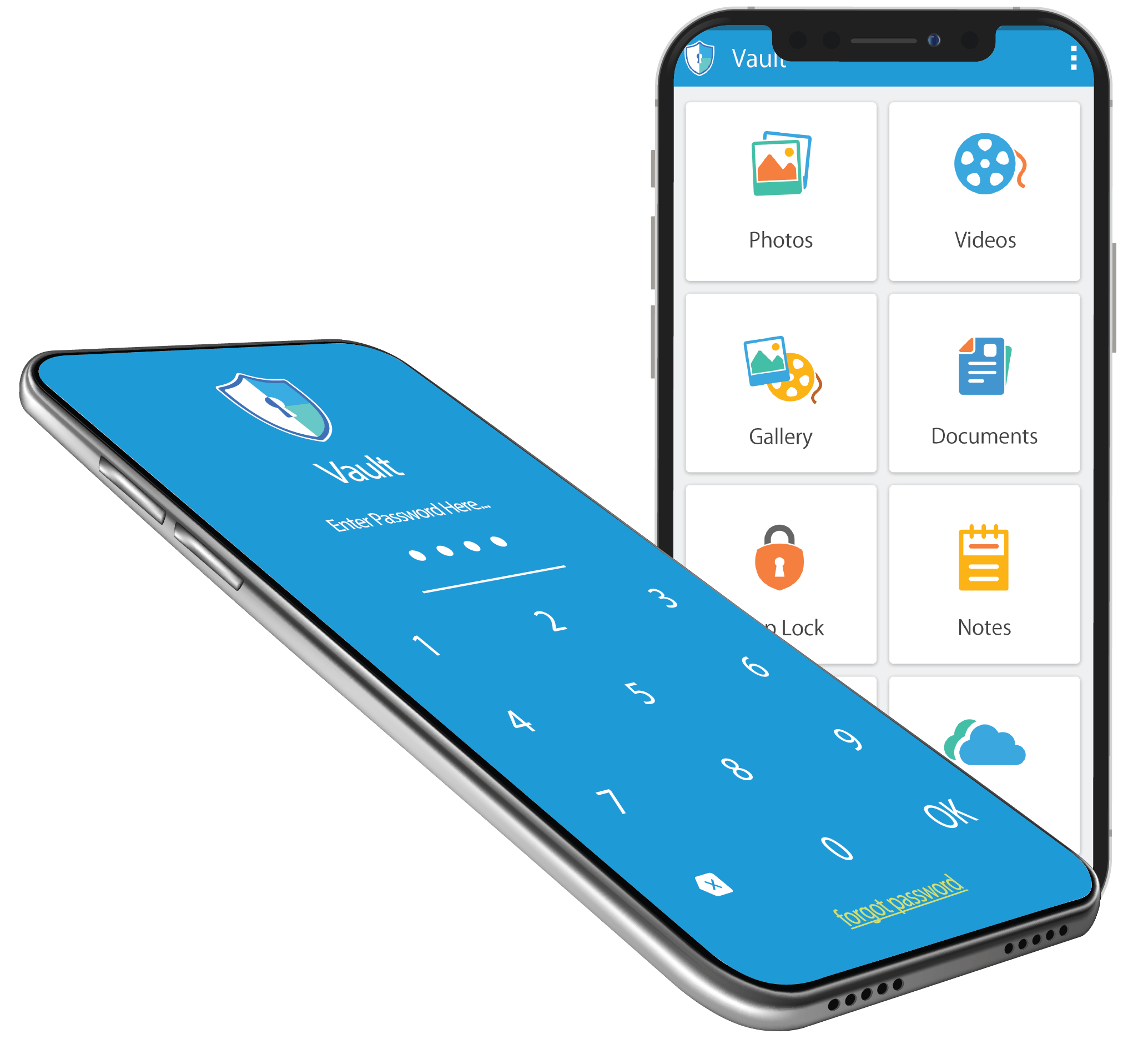
| Method | Difficulty | Encryption Type | Best For | Limitations |
|---|---|---|---|---|
| Apple Notes (Native) | Very Low | Standard iOS Encryption | Basic lists, non-critical info | Tied to device passcode |
| Google Keep | Very Low | In-Transit Only | Grocery lists, quick ideas | No individual note locking |
| Samsung Secure Folder | Medium | Knox Hardware Encryption | Samsung loyalists | Only available on Samsung |
| Folder Lock (Encrypted Vault) | Low | AES-256 (Zero-Knowledge) | Financial data, private journals | Requires remembering a master PIN |
The Tool We Recommend for Most Users
While native OS features are convenient, they fall short if you share devices, change phone brands, or need absolute zero-knowledge security. Of all the options we covered, here is why we recommend Folder Lock.
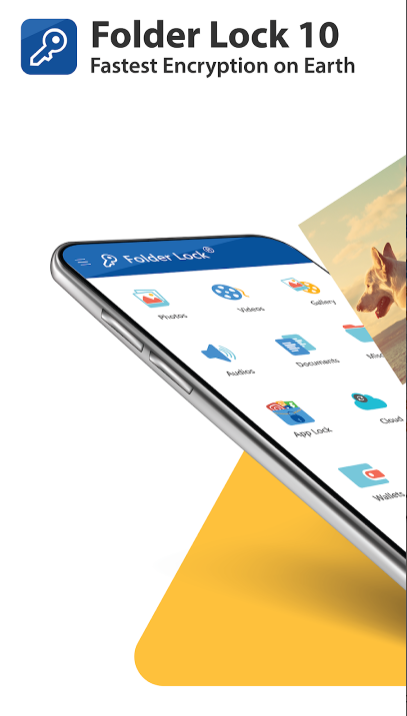
What Makes a Notes App Truly Secure
When evaluating the best secure notes apps for iPhone and Android 2026, these are the critical technical features you should demand. This reference list highlights what premium apps like Folder Lock provide over native solutions.
Best for: Protecting financial data, passwords, and highly sensitive journals.
This ensures your notes are mathematically scrambled. Even if a hacker dumps your phone's memory, they only get gibberish. The encryption key is derived from your PIN and never stored on a server.
Best for: Environments where someone might force you to open your app.
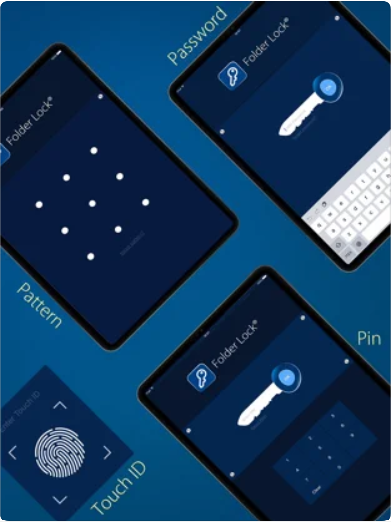
Beyond standard fingerprint/Face ID entry, advanced apps offer a "Decoy Password." If coerced, typing the decoy password opens a fake, empty vault, keeping your real private notes app hidden.
Best for: Immediate privacy when someone approaches.
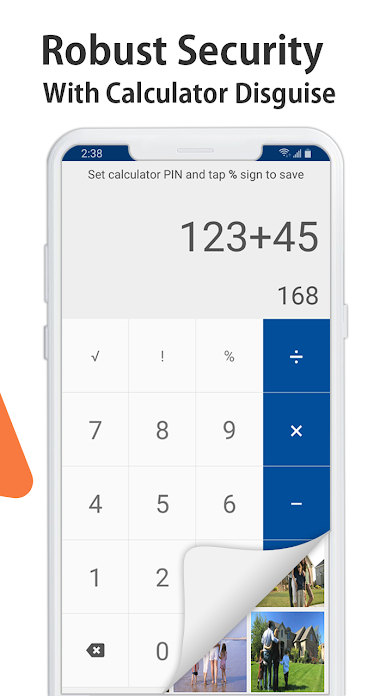
A panic switch instantly locks the app and switches to another screen if you place the phone face down or shake it. Stealth mode hides the app icon entirely from your Android or iOS home screen.
Best for: Identifying individuals who attempt to snoop through your physical device.
Premium security applications take defense a step further by actively logging unauthorized access. If someone repeatedly enters an incorrect PIN or password, the software utilizes your device's front-facing camera to capture a stealth photograph of the intruder, recording the exact date and time of the breach attempt.
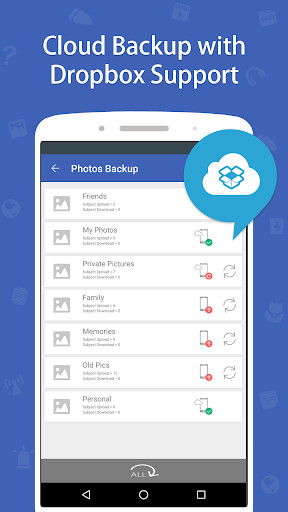
Best for: Seamlessly accessing secure notes across iPhones, Androids, Macs, and Windows PCs.
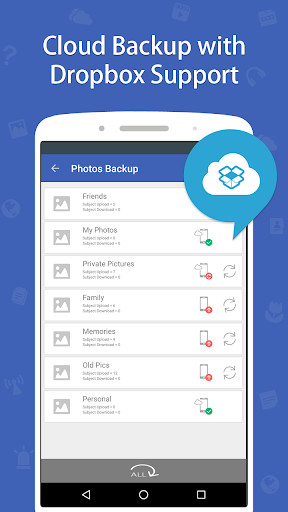
Instead of relying on vulnerable, unencrypted iCloud or Google Drive backups, top-tier vaults allow you to integrate your own cloud storage (Dropbox, OneDrive, Google Drive). The data is secured with AES-256 encryption before it leaves your device, ensuring total privacy during multi-device synchronization.
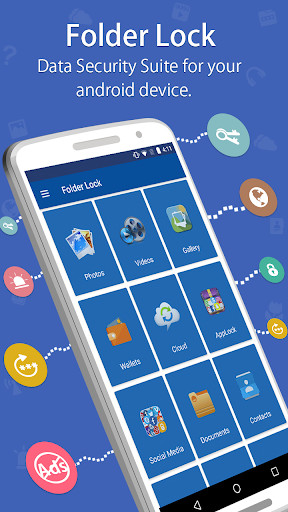
Best for: Securing credit cards, SSNs, banking credentials, and searching without leaving a trace.
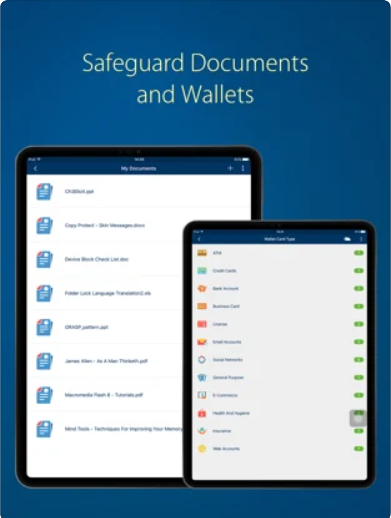
While securing text notes is vital, comprehensive vaults also provide structured, encrypted digital wallets for sensitive financial cards. Additionally, built-in secure browsers allow you to navigate the web within the encrypted vault, leaving absolutely zero cookies or history logs on your main operating system.
How to Password Protect Notes using Folder Lock
If you're migrating from an insecure app like Google Keep, setting up a secure vault is straightforward.
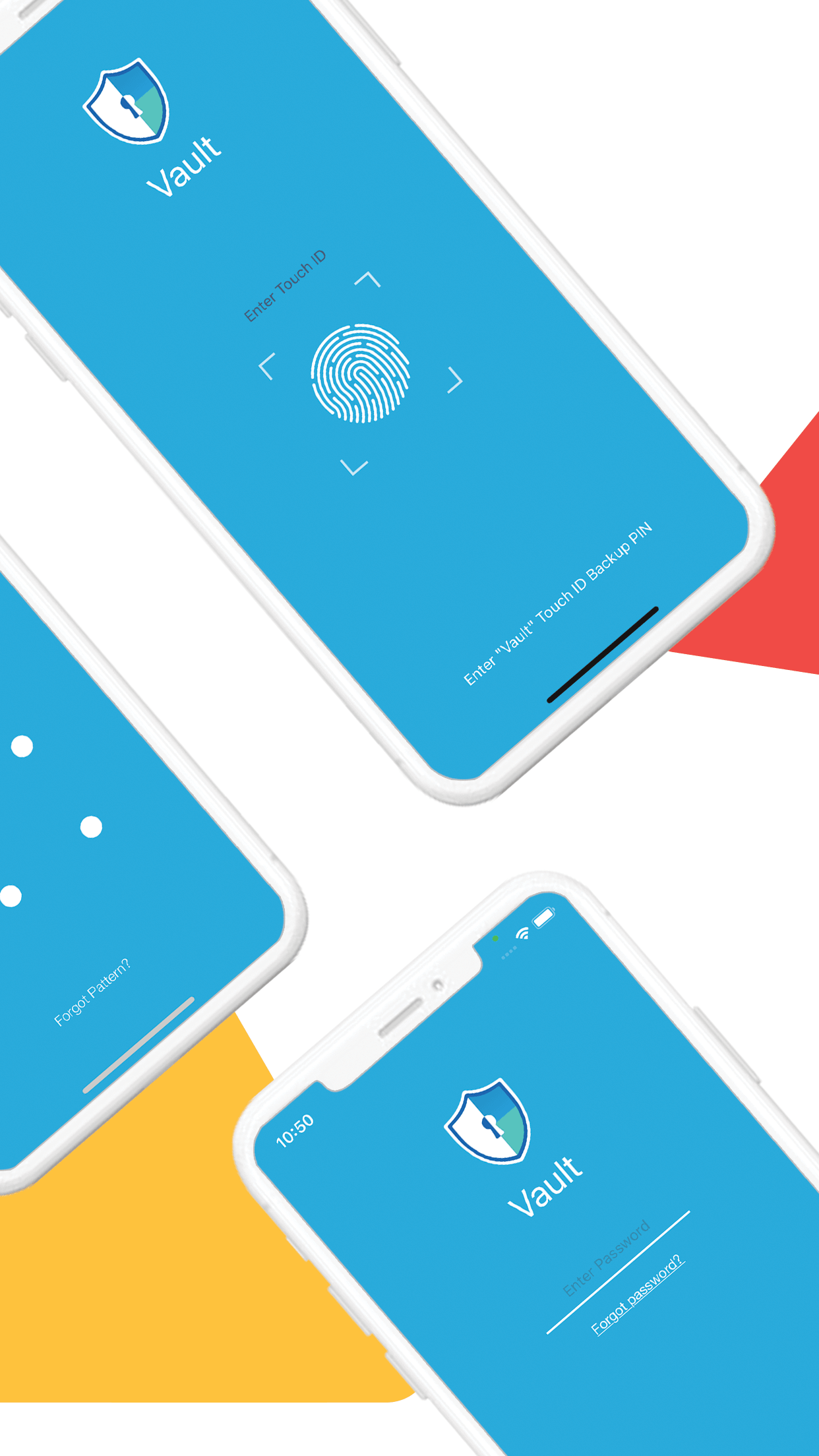
- Download and Setup: Install Folder Lock on your iPhone or Android. Launch the app and create your master PIN. Do not use your phone's unlock code.
- Enable Biometrics: Go to Settings within the app and toggle on Fingerprint/Face ID for faster daily access.
- Create a Secure Note: Tap the "Secure Notes" or "Wallets" section.
- Type or Paste: Paste your sensitive data from your old app. The moment you hit save, Folder Lock encrypts the data locally on the device using AES-256.
- Verify the Lock: Close the app. When you attempt to reopen it, you will be met with the biometric/PIN barrier immediately.
Biometric vs PIN App Locking — Pros and Cons
When configuring an app locker android or iOS vault, you must choose your authentication method. Is biometric app locking more secure than PIN? The answer depends on your threat model.
Biometric (Face ID / Fingerprint)
Pros: Extremely fast, immune to "shoulder surfing" (people watching you type).
Cons: Can be bypassed if you are asleep or legally coerced in certain jurisdictions.
Strong PIN / Password
Pros: Protected under Fifth Amendment rights in many regions; impossible to bypass without knowledge.
Cons: Slower to type, vulnerable to screen smudges or onlookers.
How App Lock Survives Phone Restart and OS Updates
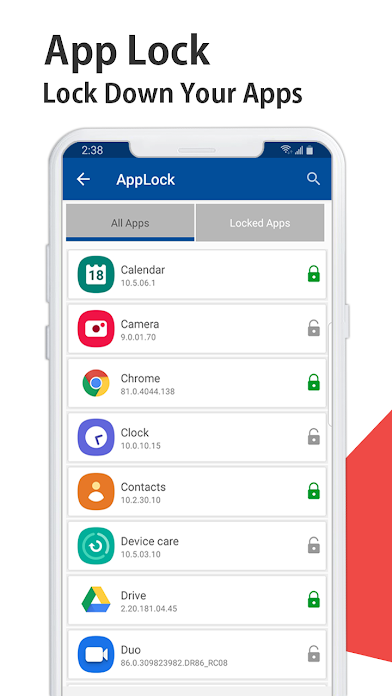
A common vulnerability with cheap Android app locks is that they fail to initialize immediately upon phone reboot, leaving apps exposed for a few seconds. Best secure notes apps for iPhone and Android use boot-level receiver permissions. This guarantees the locking service initializes before the UI layer, meaning your notes are locked the millisecond the phone turns on.
Cost Breakdown: Free Options vs Dedicated Vaults
Security software typically comes in ad-supported freemium models or premium one-time/subscription tiers. Here is how Folder Lock structures its offering.
Free / Basic Version
Perfect for testing the interface and securing a handful of local notes without commitment. Storage is capped, but the core encryption remains solid.
Up to 1 GB Locker Size
Download Free →- Basic PIN & Pattern Lock
- Secure Notes & Wallets Creation
- Sync across 2 Devices
- Ad-supported interface
Premium Vault (Pro)
Unlocks advanced zero-knowledge features, panic switches, limitless cross-platform syncing, and removes all advertisements entirely.
One-Time Lifetime License
Upgrade to Pro →- Unlimited Locker Storage Size
- Sync across 5 Devices simultaneously
- Decoy Password & Panic Switch
- Hack Attempt Monitoring (Intruder Selfie)
- Secure PC/Mac Wi-Fi Transfer
- Zero advertisements
Troubleshooting & Owner Recovery Guidance
When dealing with encrypted storage, losing your credentials can be stressful. Here is how to handle common recovery scenarios.
How to recover access to a locked app if I forgot my PIN?
Because premium vaults use zero-knowledge encryption, there is no "backdoor" for developers to reset your PIN. However, if you established a recovery email during setup, you can tap "Forgot Password." The app will email a secure recovery link to reset your PIN. If no email was set, the data cannot be decrypted.
How to reset secure folder lock on samsung?
If you use Samsung's native Secure Folder and forget the pattern: Tap "Forgot pattern/PIN" at the bottom of the Secure Folder lock screen. You will be prompted to log in with your Samsung Account credentials. Once authenticated, you can reset the lock.
App lock behavior after phone restart
If your third-party app lock fails after a reboot, ensure it is excluded from Android's "Battery Optimization" settings. Aggressive battery managers often kill security services in the background.
Frequently Asked Questions
What is the best secure notes app for iPhone?
For basic users, the native Apple Notes app with Face ID enabled is sufficient. For users requiring cross-platform compatibility, AES encryption, and decoy features, third-party vaults like Folder Lock are superior.
Is Google Keep secure for sensitive notes?
No. Google Keep lacks individual note locking and end-to-end encryption. It is designed for convenience, not privacy. It should never be used for passwords, SSNs, or financial data.
Does iPhone Have a Secure Folder Like Android?
iOS 18 introduced the ability to lock and hide individual apps, functioning similarly to Android's secure folders. However, for older iOS versions, you must rely on third-party encrypted vault apps.
Can someone bypass app lock by restarting the phone?
Poorly coded app lockers can be bypassed this way. High-quality security apps request "Draw over other apps" and boot initialization permissions, ensuring the lock screen appears the moment the OS loads.
What is the best encryption software for android?
For file and note encryption, AES-256 is the gold standard. Apps like Folder Lock Android utilize this standard to ensure data is mathematically unreadable without the correct PIN.
In-Depth Answers & Related Topics
Best Secure Photo Video Lock Apps Android iOS
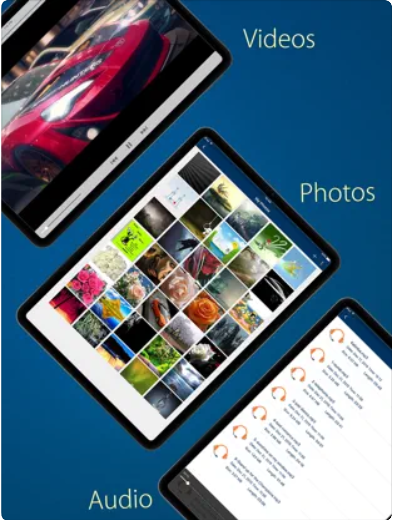
Securing notes is often just the first step. The architecture used to encrypt text (AES-256) is equally critical for protecting media. Most top-tier secure notes apps, including Folder Lock, include a dedicated media vault module. This prevents private photos from appearing in your main camera roll or syncing to iCloud/Google Photos unprotected.

Best Apps to Transfer Files from Android to iPhone
If you are migrating your secure notes from an Android device to a new iPhone, standard Bluetooth won't work easily. You can utilize secure cloud syncing within an app like Folder Lock, or use encrypted file transfer tools over local Wi-Fi to ensure your data is never exposed in transit.

The Bottom Line
Relying on a simple screen lock to protect your most sensitive thoughts, passwords, and data is no longer adequate. While native features like Samsung Secure Folder and Apple Notes locking offer baseline protection, they lack the cross-platform flexibility and advanced zero-knowledge encryption required by privacy-conscious users.
For robust protection, decoy functionality, and true AES-256 encryption, we highly recommend upgrading to a dedicated vault. Folder Lock provides an intuitive, highly secure environment for both iPhone and Android users.